
What is the easiest WhatsApp workflow for sending a wedding invite?
Pick a mobile-friendly invitation page, copy the link, and paste it into each guest group or direct message with a short personal note.
WhatsApp invitation links
How to send wedding invitation on WhatsApp: use one mobile-first invitation link with RSVP, directions, countdown, and shareable event details for Sri Lanka.
Why this page matters
How to Send Wedding Invitation on WhatsApp works best when the invitation page is built for phones first. In Sri Lanka, many guests see the invite inside a family or office WhatsApp group, so the page has to be clear, fast, and easy to forward.
If you are searching how to send wedding invitation on WhatsApp, the simplest method is to use a dedicated invitation page instead of a long text message or image attachment. That way guests get the design, venue details, RSVP, and map in the same tap.
Sri Lanka context
For many couples in Sri Lanka, WhatsApp is the real distribution channel. The invitation has to open fast, look good on a phone, and keep the important details in one place.
What to include
These points matter whether the link is for a wedding day, a homecoming, an engagement, or another Sri Lankan event shared through WhatsApp.
Template gallery
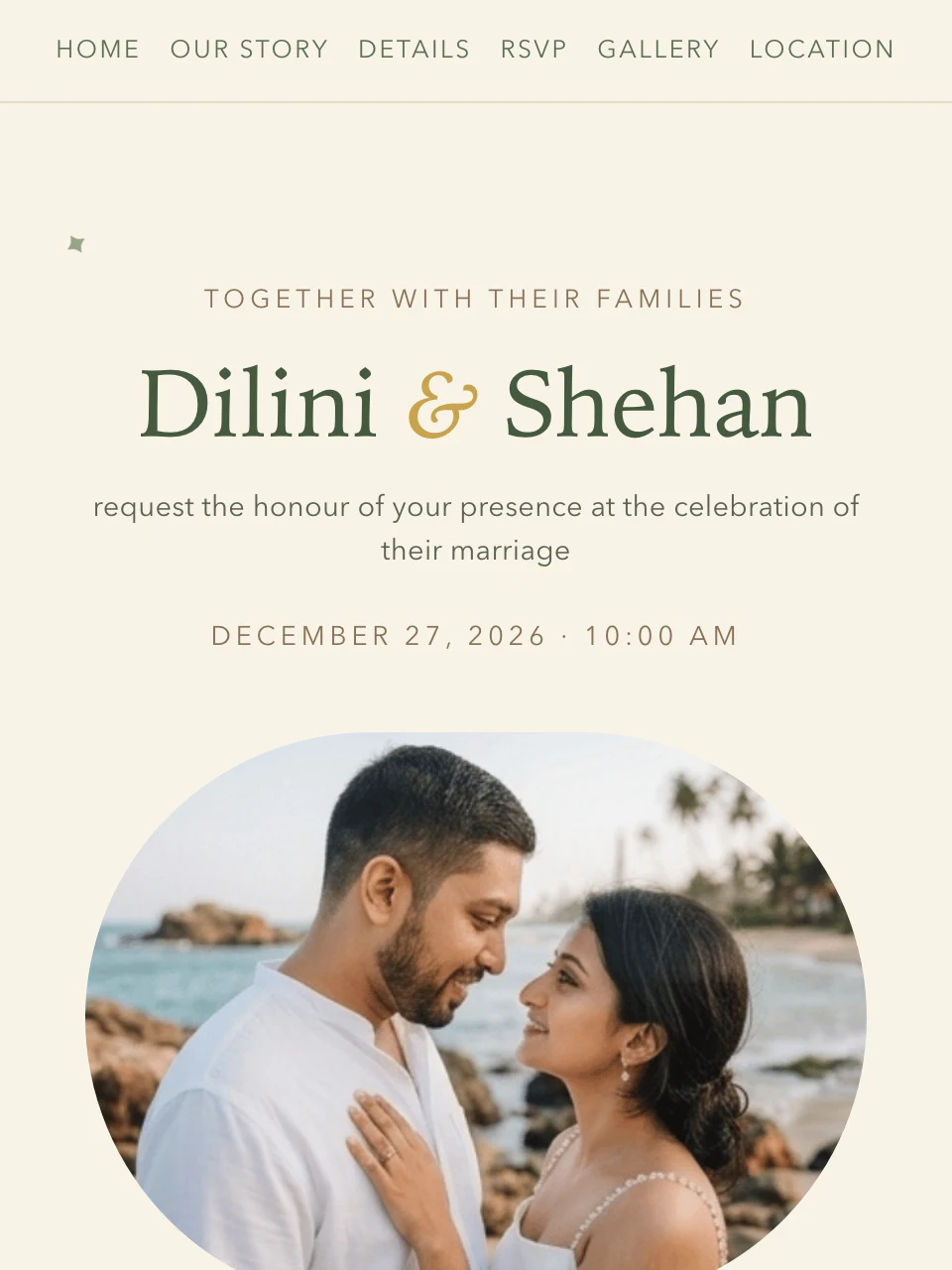
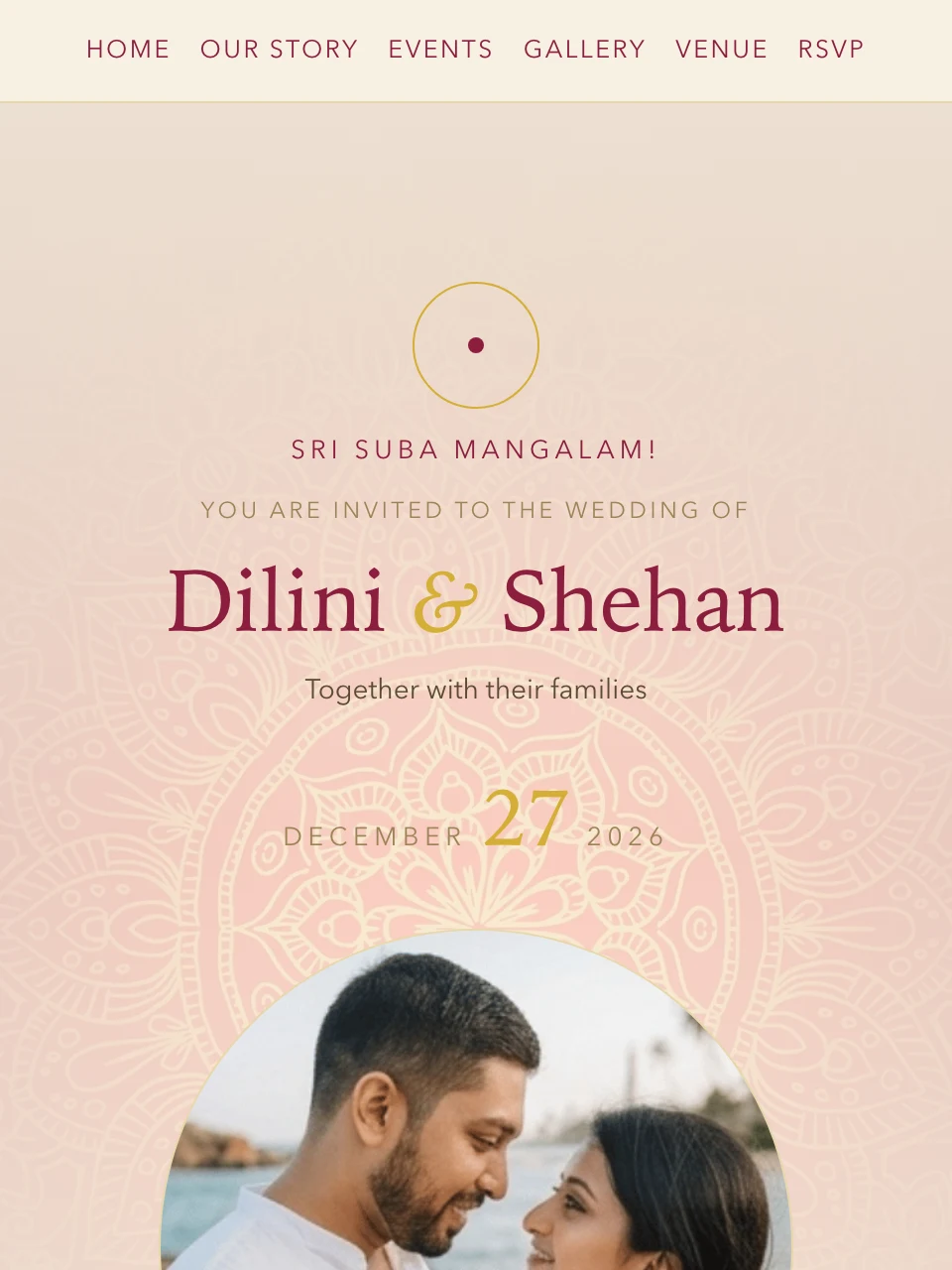
The template gallery below shows every invitation design currently available on My Wedding Invite today. Each sample opens as a full mobile invitation page.
Currently live designs: Eucalyptus Bloom and Nilame Kandyan.
FAQ
Pick a mobile-friendly invitation page, copy the link, and paste it into each guest group or direct message with a short personal note.
A link stays updated, can carry maps, countdown, and RSVP, and is easier for guests to reopen later than a static image attachment.
Yes. Most guests open it from a phone, so fast loading, clear text, and tap-friendly actions matter more than heavy decoration.
Related pages
Explore connected pages covering RSVP, wording, WhatsApp sharing, and Sri Lankan invitation details.
WhatsApp invitation links
Share wedding invitation on WhatsApp with one mobile-friendly link. See Sri Lanka templates with RSVP, QR code, maps, countdown, and elegant designs.
WhatsApp invitation links
Mobile wedding invitation pages for Sri Lanka. Compare templates built for phones first, with RSVP, WhatsApp sharing, maps, countdown, and QR support.
WhatsApp invitation links
Wedding invitation link for guests in Sri Lanka. Use one shareable page for RSVP, venue details, map links, countdown, QR code, and music.
WhatsApp invitation links
Wedding invitation video Sri Lanka ideas with mobile sharing, music, RSVP, and elegant layouts. Compare templates built for WhatsApp-friendly invite pages.
Start with a live template
Pick a design, add your details, collect RSVPs, and keep the venue, map, countdown, and guest link in one place.
Choose a template